





Frequently Asked Questions
General Overview
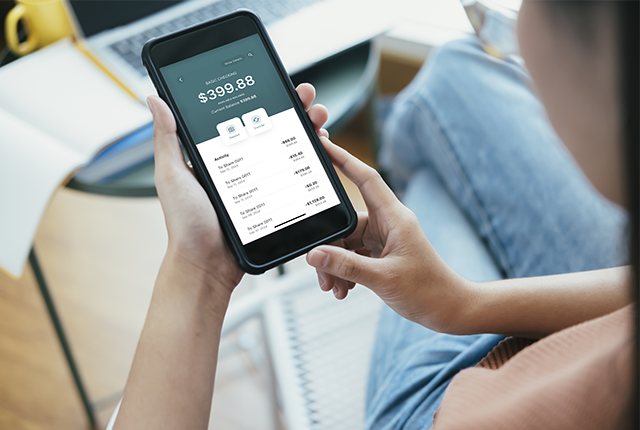
We heard your feedback and are shifting to a more modern, secure, and user-friendly platform that provides you with a seamless experience between all your devices.
Key benefits include:
- A modern look and feel of our upgraded navigation
- Seamless banking between desktop and mobile
- View account balances and details
- Deposit checks from your phone
- Make payments with BillPay (available soon)
- Manage Tech CU debit cards on-the-go
- View and transact on all your accounts with one username*
- Monitor your account with comprehensive alerts
The new platform supports the latest two versions of browsers and mobile operating systems listed below. Staying up to date on the latest browser and mobile OS releases ensures your member experience is as secure as possible.
Supported Browsers: Chrome, Firefox, Edge, Safari (two latest versions)
Supported Devices: Android 12 and higher, iOS 16.0 and higher

